Model Size &
Memory Explorer.
Start with parameter count and compare the theoretical weight payload across common precision classes. Optionally add a conventional KV-cache estimate to see why runtime memory is a separate layer.
Theoretical weight payload
| Class | Nominal bits | Payload | + KV estimate |
|---|
Quantization labels do not imply an exact effective bits-per-weight value. Treat these rows as scale comparisons, then use the actual artifact size when you have it.
Compare representations before choosing an artifact
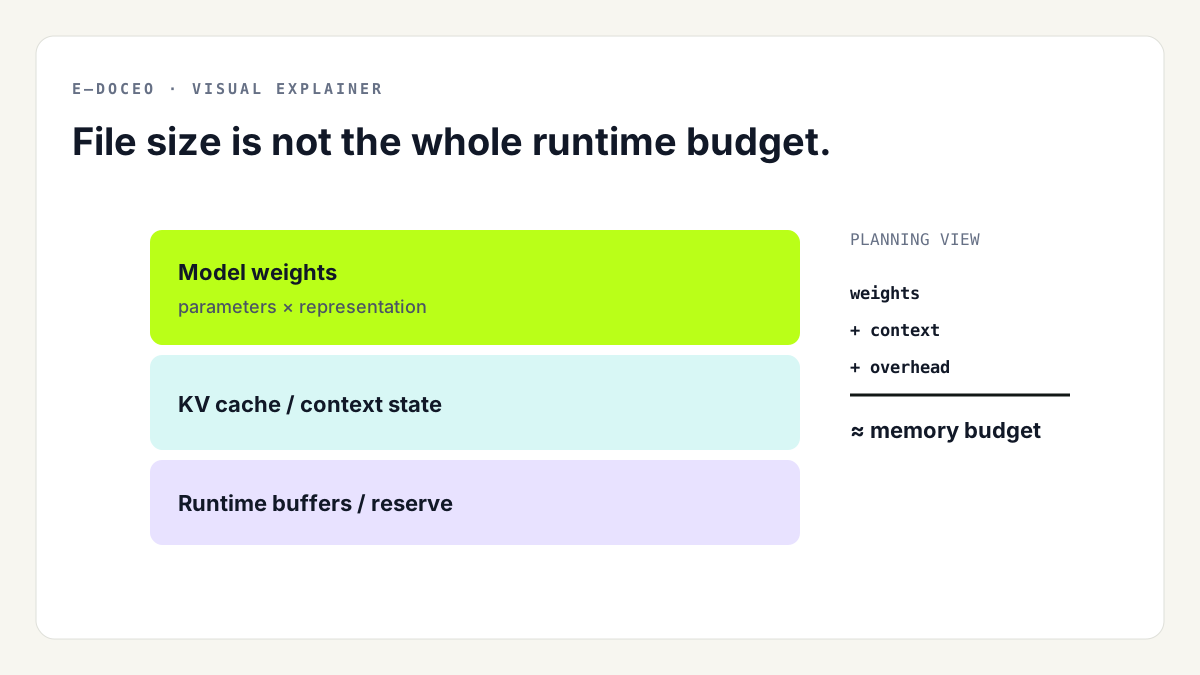
This explorer answers a different question from the VRAM Calculator. It starts from model scale and shows how nominal precision changes the theoretical weight payload. That makes it useful when you are comparing model families or quantization classes before you have selected a specific downloadable file.
Why the comparison is theoretical
A 4-bit label is not a guarantee that every stored value consumes exactly four bits in the final file. Quantization formats can add scales, metadata and tensors stored at other precisions. The table therefore calculates the simple baseline parameters × bits ÷ 8.
Why KV cache is shown separately
The optional cache estimate uses the conventional transformer formula documented in What Is the KV Cache?. It is deliberately not folded into the weight number. Architecture-specific attention layouts and runtime behavior can change the real result.
Once you know the exact model file you intend to run, switch to the Local LLM VRAM Calculator for a hardware-oriented planning budget and then verify the real runtime.